PuzzleMe AI
Learn how to use PuzzleMe AI to ask questions about the platform and create puzzles.
PuzzleMe AI generates content using artificial intelligence. Always review and verify the accuracy of all AI-generated content, including puzzles, clues, questions, and answers, before publishing or relying on it.
About AI and our content
PuzzleMe includes AI-powered tools that help creators build puzzles faster and explore new ideas. These features are designed to assist the creative process while keeping authors and editors in control.
AI is only one part of the PuzzleMe experience. Our curated Puzzle Feed features original content created by our in-house editorial team and professional constructors. Our content team is heavily involved in refining and curating our puzzles, with the occasional help from structured algorithms and not AI models.
What can PuzzleMe AI do?
PuzzleMe AI is a powerful assistant that can help with everything from answering questions about the platform to building complete puzzles from scratch.
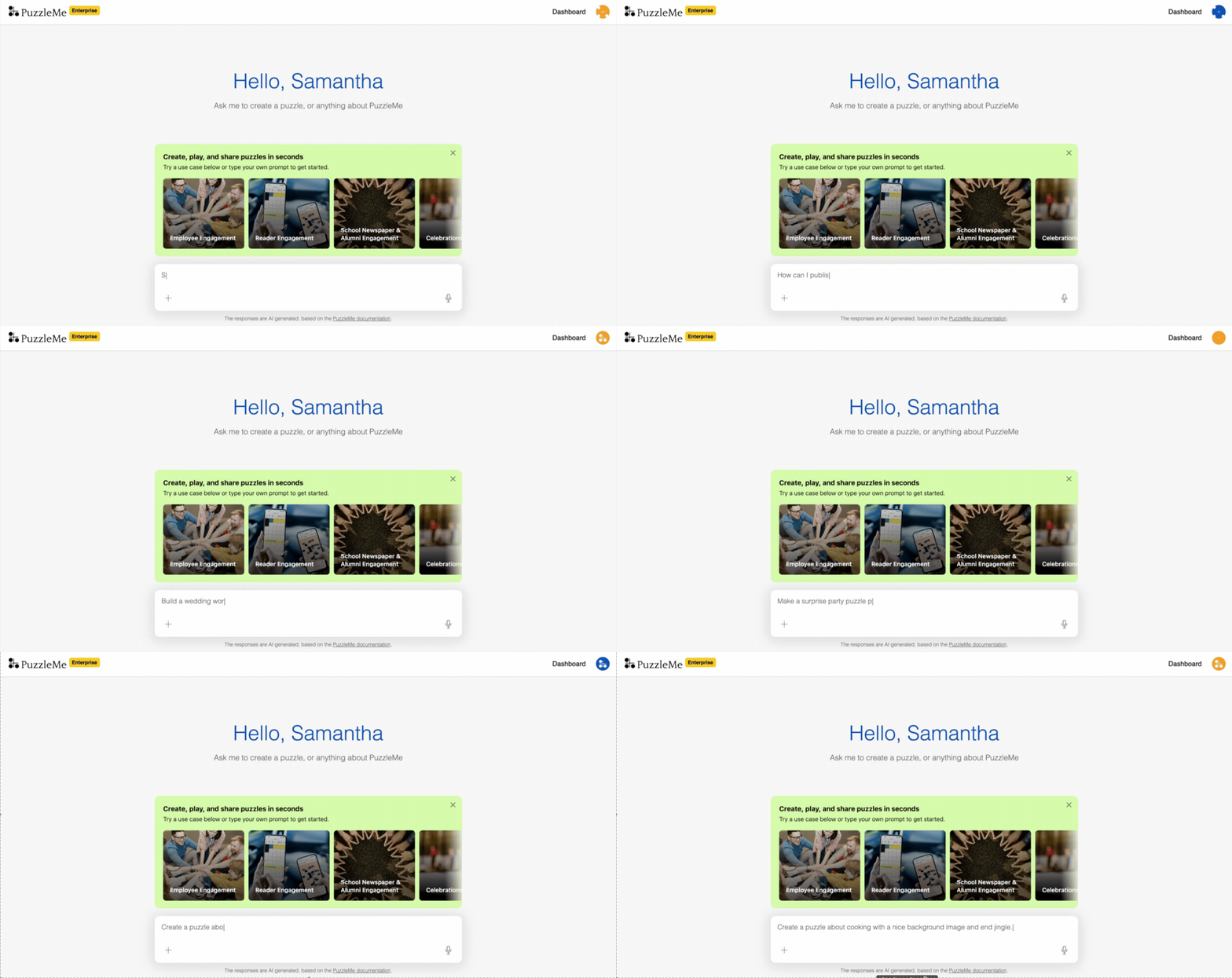
To start using PuzzleMe AI, log in to your PuzzleMe account and look for the  PuzzleMe AI sidebar in your dashboard.
Type your request, or use the microphone icon to talk to PuzzleMe AI instead.
Answer platform questions
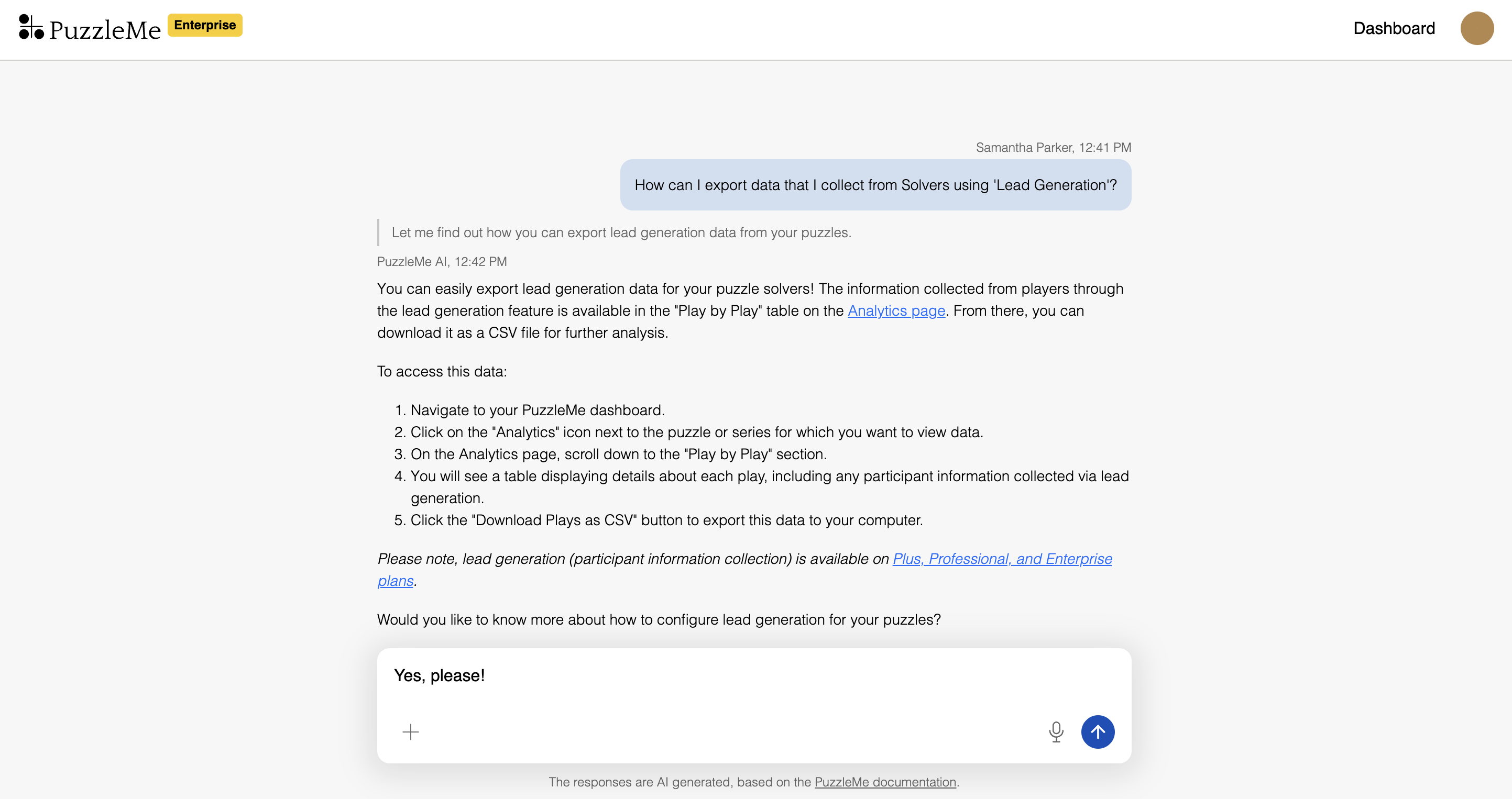
PuzzleMe AI serves as a knowledgeable assistant about PuzzleMe features. You can ask questions like "How do I embed a puzzle on my website?" or "What analytics are available?" PuzzleMe AI draws from our documentation to provide accurate, helpful answers, complete with supporting screenshots and examples where relevant.
Create puzzles
PuzzleMe AI can create several types of puzzles: Crossword, Sudoku (including Wordoku and Picdoku), Decipher, Quiz, Word Search, WordroW, Word Flower, and Kriss Kross. Describe what you want in simple words, and PuzzleMe AI will build the complete puzzle for you.
PuzzleMe AI researches your topic, pulls content from webpages and files you share (attach them with the "+" icon), and finds images and audio to use. It creates all the puzzle elements and handles customization such as backgrounds, thumbnails, and sounds. Once completed, you get a preview that's ready to review and edit before adding it to your account. To offer a quiz in multiple languages, see Translate Quiz.
Once you're satisfied with the puzzle preview, click the "Add puzzle to your account" button to save it. The puzzle will then appear in your dashboard. If you close or lose the chat session without clicking this button, your puzzle will be lost.
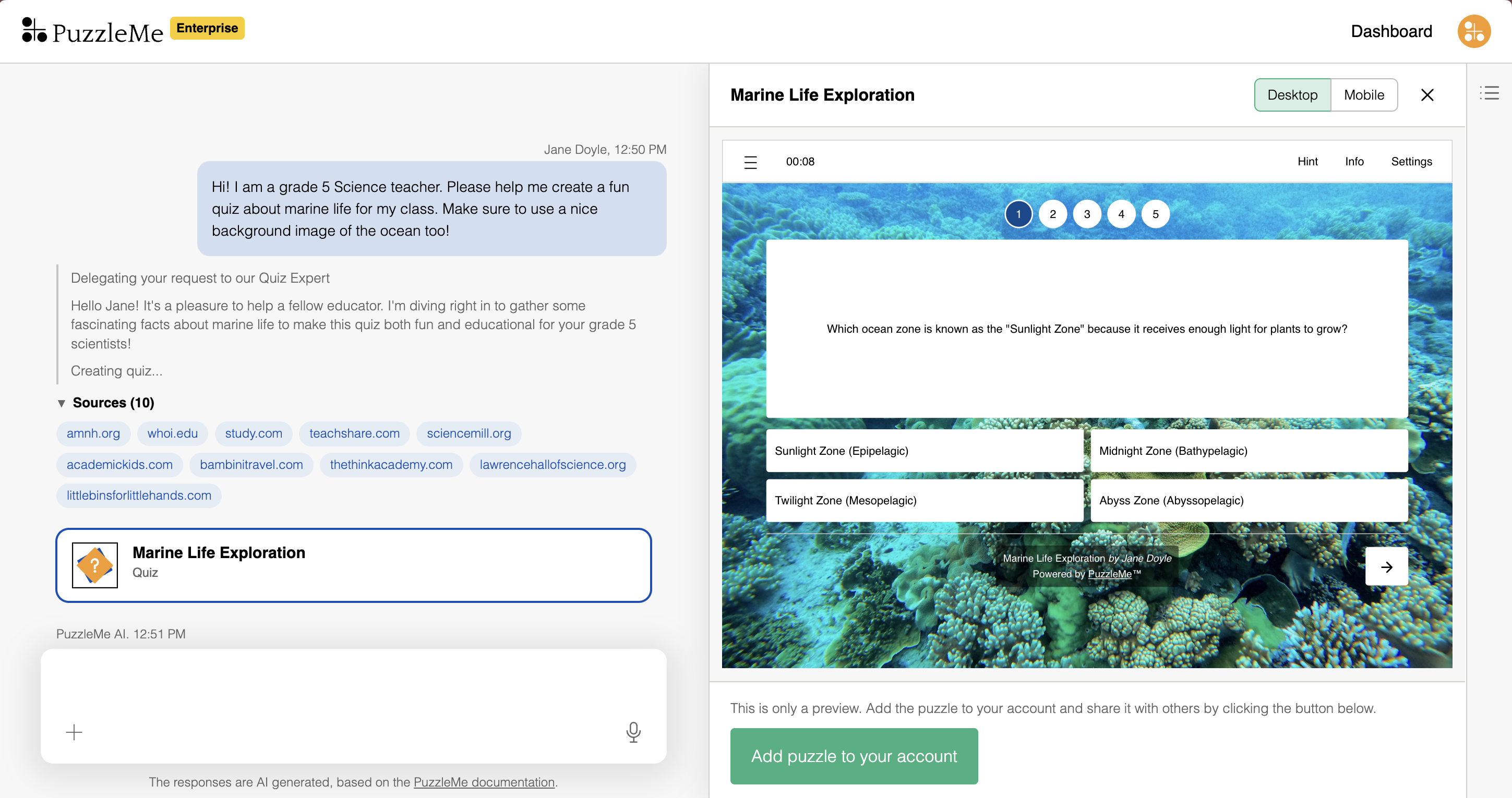
When creating puzzles, be as specific as possible in your instructions. For example, instead of saying "make a quiz," try "create a 10-question quiz about European history for high school students." The more detail you give about your topic, audience, or requirements, the better PuzzleMe AI can create puzzles that match your needs.